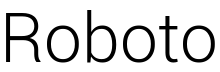
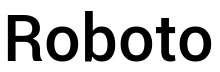
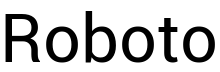
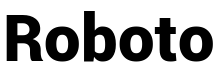
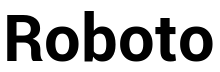
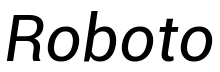
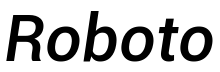
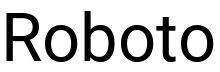
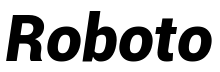
Roboto Light Italic Font Preview
Rendered live in your browser



Roboto Light Italic Font Details
| Format | TTF OpenType File Format |
| Style | Light Italic |
| Designer | |
| Year | 2011 |
| Copyright | Font data copyright Google 2011 |
| Version | Version 1.00000; 2011 |
| File name | roboto-light-italic.ttf |
| File size | 159 KB |
| Licence | Personal use · check for commercial |
Design Context for Roboto Typeface
Roboto takes a measured approach to typography — its balanced proportions and neutral character make it a reliable workhorse for both digital and print work. Its italic angle brings a sense of urgency and motion to the letterforms. Its slender proportions lend an understated elegance to any composition.
A dependable choice for both digital and print design across branding, editorial, and UI contexts.
First published in 2011, this typeface is available in TrueType (TTF) format.
Font Pairing: Pairs effectively with both display and text companions — its neutral character adapts well to most typographic systems.
Pro Tip: Try Roboto for annotation and caption copy alongside an upright companion — the contrast in angle creates a dynamic but ordered typographic system.
Roboto Light Italic Test Drive
Type to preview
Roboto Light Italic Character Map
Complete glyph index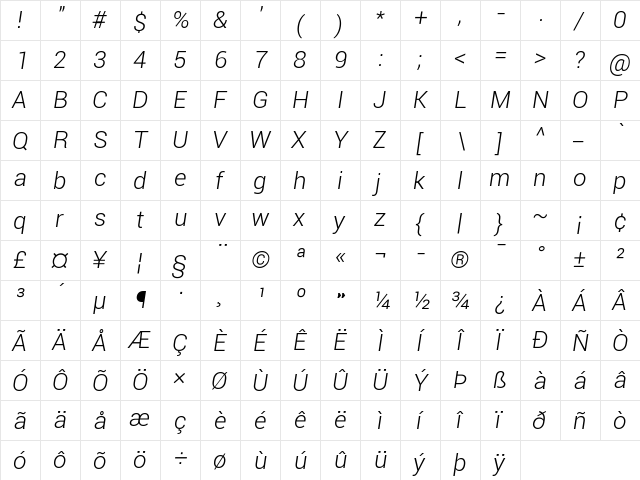
Download Roboto Light Italic
- File name
- roboto-light-italic.ttf
- File size
- 159 KB
- Format
- TrueType (TTF)
- Version
- Version 1.00000; 2011
- Licence
- Personal use · check for commercial
Share Roboto Light Italic Free Font
| Short URL | |
| Permalink URL | |
| Standard HREF Link Code | |
QR Code Link  | |
Copied to clipboard! |
|